
Custom GPTs for real life: your own gardening, parenting, and tax expert in ChatGPT
6 min read
Written and edited by Jeremy with AI-assisted research and drafting.
- ChatGPT
- Custom GPTs
- OpenAI
- Everyday
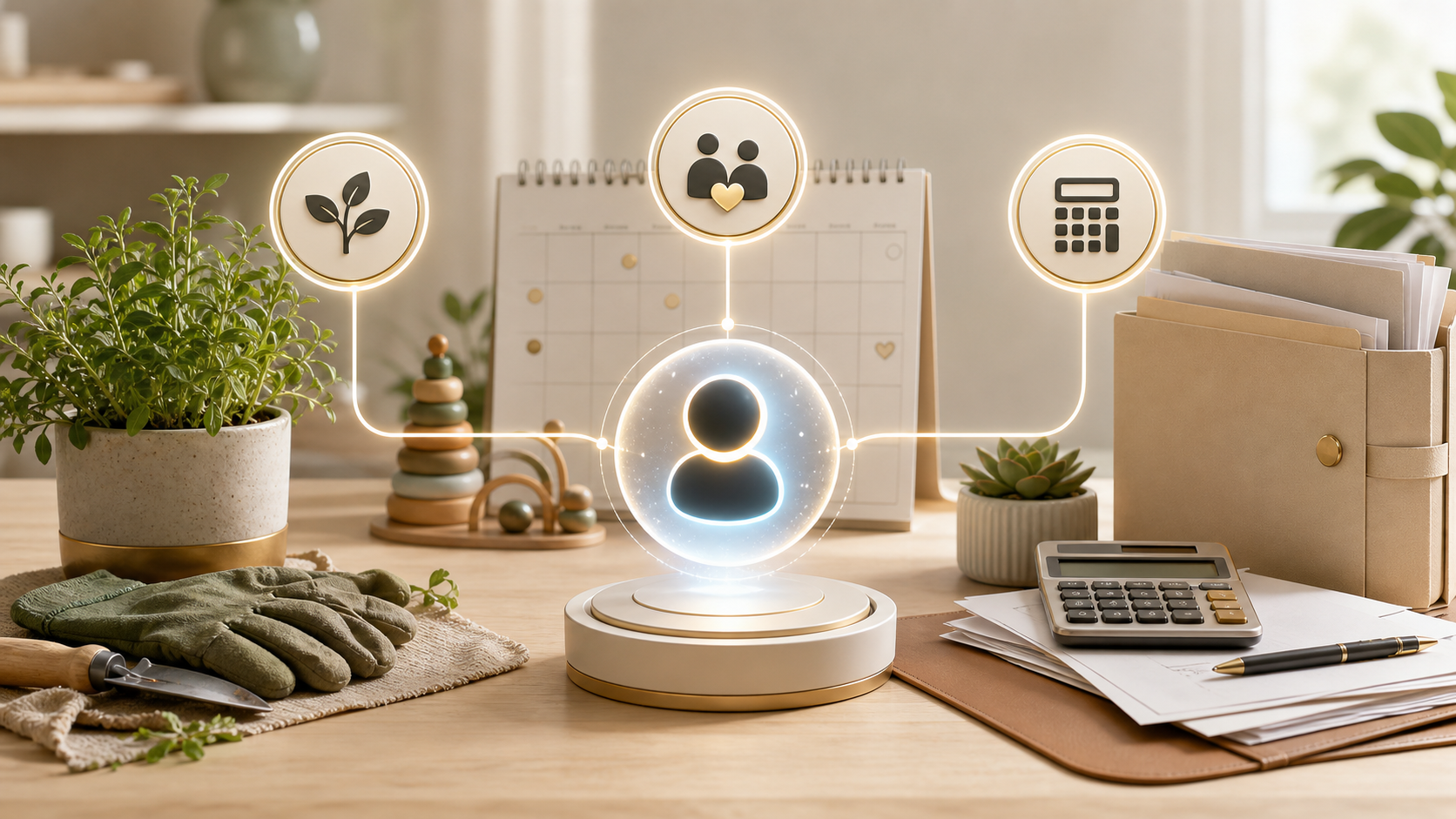
ChatGPT out of the box is a generalist. It's good at almost everything and great at very little — partly because every conversation starts from scratch. Custom GPTs fix that. They're specialized versions of ChatGPT you (or someone else) configure once, and from then on they show up as their own little app inside ChatGPT, with their own focus, their own instructions, and their own memory of how you want them to help.
You'll find them in the sidebar under Explore GPTs, or you can build your own in a few minutes — no code, just plain English.
Why "specialized" beats "general"
When you talk to plain ChatGPT about your garden, you have to re-explain things every time: your climate zone, the soil type, the plants you've got, whether you have kids or pets, what you've already tried. A Custom GPT can hold all of that as context it always uses, so every answer is already tuned to you.
That changes the kinds of questions you'll bother to ask.
Three real examples for daily life
- Gardening: a GPT that knows your zone, your yard, and your plants. Snap a picture of a yellowing leaf and ask what's going on. It can suggest likely causes, ask clarifying questions, and recommend a fix — without you having to explain your whole garden every time.
- Parenting: a GPT that knows your kids' ages, your family's approach, and the kinds of situations you're navigating. You can describe a meltdown at the grocery store and get age-appropriate, values-aligned suggestions instead of generic advice.
- Taxes & finances: a GPT that knows your situation — self-employed, a few rental properties, two states — and can help you think through deductions, organize records, or prep questions for your accountant. (It's a helper, not a replacement for a professional on the real filing.)
How to actually build one (in about 10 minutes)
- In ChatGPT, go to Explore GPTs → Create.
- Tell it what you want in plain English: "A gardening assistant for a USDA zone 9b backyard with raised beds and two dogs."
- Refine the instructions: tone, what to always ask, what to never do (e.g. "never recommend chemicals unsafe for pets").
- Add reference files if you want — a planting calendar, your soil test results, your favorite gardening book chapter.
- Save it. Pin it to your sidebar. Use it.
A few principles that make Custom GPTs feel magic
- One job per GPT. A gardening GPT and a parenting GPT are better than one mega-assistant trying to do both.
- Front-load context. The more it knows about your situation in the instructions, the less you have to repeat yourself.
- Use images. Plants, rashes, error messages, documents — pictures often get you to a better answer faster than typing.
- Iterate. When the GPT gets something wrong, edit the instructions to prevent it next time. After a few rounds, it really does feel like your assistant.
Custom GPTs are how AI stops being a thing you visit and starts being a thing that quietly helps with the actual stuff in your life.
Want help putting this to work?
A free conversation is the easiest way to figure out what would actually move the needle for you.
Get in touchKeep reading
- Small BusinessHow to build a useful business dashboard with Claude—and check its numbers
- IndividualsHow to build an interview practice routine with ChatGPT Voice
- Small BusinessHow to set up an AI blog publishing system with ChatGPT Work and Lovable
- IndividualsMeta Muse is an AI that can actually do things for you: 5 practical ways to use it
- Small BusinessJev is an AI that makes decisions instead of chatting: 5 small-business uses
- IndividualsUse AI to build confidence: learn anything at your level, in your own time
- Small BusinessChatGPT vs. ChatGPT Work: what's actually different, and when to use each
- IndividualsChatGPT as your financial advisor: connect every account and get answers in seconds
- StudentsNotebookLM for students: turn your notes into a podcast you can study to anywhere
- Small BusinessStop renting software: build your own business apps with Lovable, Replit, and Base44
- IndividualsPro headshots without a photographer: how to generate your own with AI
- Small BusinessStop buying stock photos: generate your brand's images with Copilot, ChatGPT, and friends