NotebookLM for students: turn your notes into a podcast you can study to anywhere
5 min read
Written and edited by Jeremy with AI-assisted research and drafting.
- NotebookLM
- Study
- Audio
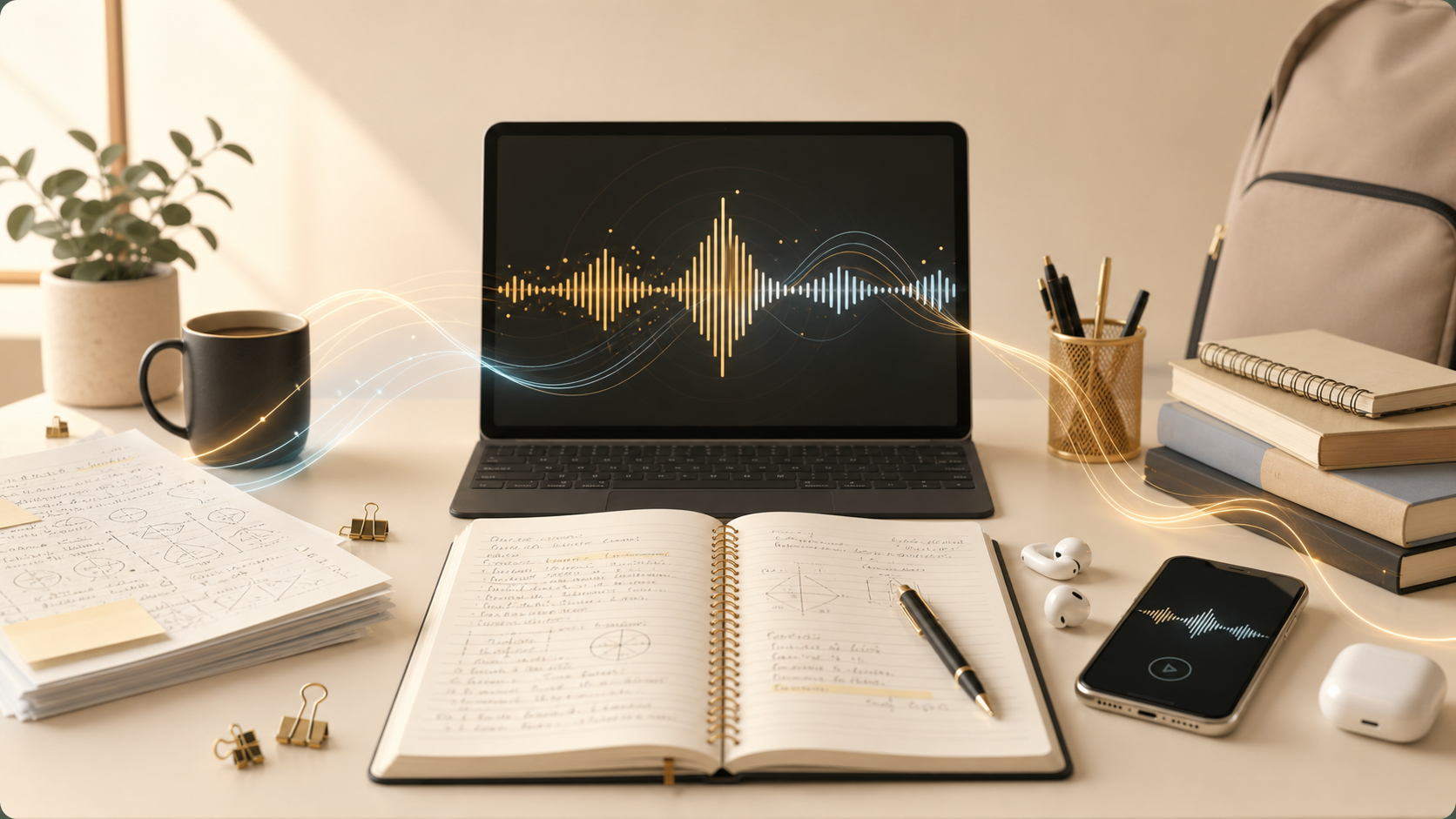
If you're a student and you've never opened Google's NotebookLM, this is the one free AI tool I'd put at the top of your list. It's not a chatbot you argue with — it's a study partner that only reads what you give it, and it can turn that material into something you can actually listen to.
NotebookLM is free at notebooklm.google.com. You sign in with a Google account, create a notebook, and add sources.
The basic idea
Most AI tools know a little about everything. NotebookLM does the opposite — it only knows what you upload. You drop in your lecture slides, your notes, a textbook chapter PDF, a YouTube link of a lecture, a Google Doc study guide — up to dozens of sources per notebook. From that point on, every answer it gives is grounded in those sources, with citations back to the exact passage.
That means you can:
- Ask it to explain a concept the way your professor wrote about it.
- Get a study guide built from your specific notes — not a generic one.
- Quiz yourself on the material you'll actually be tested on.
- Ask "where did the lecture cover X?" and jump to that line.
The killer feature: generate a podcast from your notes
Click "Audio Overview" and NotebookLM generates a podcast-style conversation between two AI hosts who walk through your material — explaining it, comparing ideas, and surfacing what matters. It sounds like a real podcast, not a robotic text-to-speech read.
Now your study material is something you can listen to anywhere:
- On a run or at the gym.
- In the car between classes.
- While cooking, doing laundry, or cleaning your room.
- The night before an exam, in bed with your eyes closed.
A simple workflow that works
- Make one notebook per class or per major topic.
- Add every source you've got — slides, notes, PDFs, links.
- Generate the audio overview and save it to your phone.
- Use chat to ask follow-up questions: "Explain this concept like I'm new to it," or "Give me five practice problems on chapter 4."
- Right before the exam, regenerate the audio with the latest sources.
One important note
This isn't about shortcutting the work — it's about doing the work in more places, in more ways, so it actually sticks. Listening to your own material on a run is review, not cheating. Generating a study guide from your professor's slides is faster than typing one yourself, but you still have to read it.
Used the right way, NotebookLM is one of those tools where the first time you use it for a real exam, you wonder how you ever studied without it.
Want help putting this to work?
A free conversation is the easiest way to figure out what would actually move the needle for you.
Get in touchKeep reading
- Small BusinessHow to build a useful business dashboard with Claude—and check its numbers
- IndividualsHow to build an interview practice routine with ChatGPT Voice
- Small BusinessHow to set up an AI blog publishing system with ChatGPT Work and Lovable
- IndividualsMeta Muse is an AI that can actually do things for you: 5 practical ways to use it
- Small BusinessJev is an AI that makes decisions instead of chatting: 5 small-business uses
- IndividualsUse AI to build confidence: learn anything at your level, in your own time
- Small BusinessChatGPT vs. ChatGPT Work: what's actually different, and when to use each
- IndividualsChatGPT as your financial advisor: connect every account and get answers in seconds
- IndividualsCustom GPTs for real life: your own gardening, parenting, and tax expert in ChatGPT
- Small BusinessStop renting software: build your own business apps with Lovable, Replit, and Base44
- IndividualsPro headshots without a photographer: how to generate your own with AI
- Small BusinessStop buying stock photos: generate your brand's images with Copilot, ChatGPT, and friends